
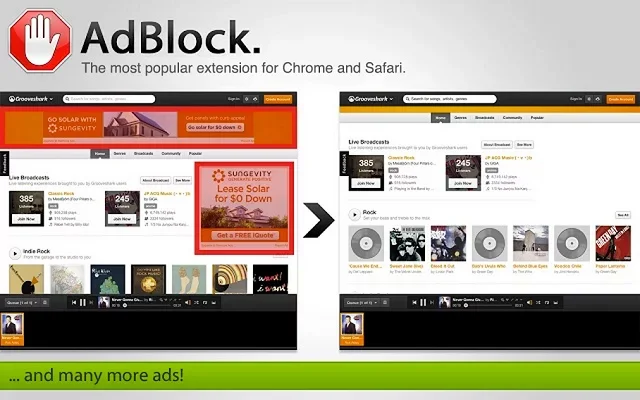
1. Install Adblock to your Computer.
> Go to Google and search adblock

>>Here's the (Click Me For the Link)
> Then click Add to chrome

> After installing go to setting and click More tools and find Extension

>And Check enable

And now you can surf without Ads that can interrupt.
i installed adblock plus and adblock pro but there is still advertisement on my chrome, and my avast can't find any infected files from a full system scan
ReplyDeleteHarold Burton
Everytime i go to an un add protected cite, i get this advertisement audio that runs in the background. and i have to wait the 30 secs till it goes away and the next 5 mins it comeback!!! thanks to you its stopped and it made my internet run faster too! (Sorry For Any Spelling or Grammar Errors.
ReplyDeleteJoseph Donahue
Yeah, nothing like suddenly hearing some blaring idiot from an unknown tab whilst your stereo is turned up at 3am and you were unaware since everything you had been doing on the computer till that point was silent browsing.
ReplyDeleteKelly Hubbard
SMM PANEL
ReplyDeleteSMM PANEL
iş ilanları
instagram takipçi satın al
hırdavatçı
https://www.beyazesyateknikservisi.com.tr
SERVİS
tiktok jeton hilesi